Using GitLab for Managing Research Code
Ross Knapman, Philipp Geßler, Igor Polonskiy, Jonas Nothhelfer
TWIST Retreat 2025
23 Oct 2025
Create a Git Repo
- Sign into https://git.uni-due.de
- Click “New project”
- Click “Create blank project”
- Give it a name e.g. “GitLab Workshop”
- Under “Project URL”, pick the namespace as your Unikennung
- Leave everything else as it is and click “Create project”
Working On Your Project
- Click the blue “Code” button, copy the link under “Clone with HTTPS”
- Run
git clone <link>
- Open the resulting folder in VS Codium
Basic Git Usage
- Add all files (except ignored):
git add --all
- Creating a commit:
git commit -m "<message>"
- Push to GitLab:
git push
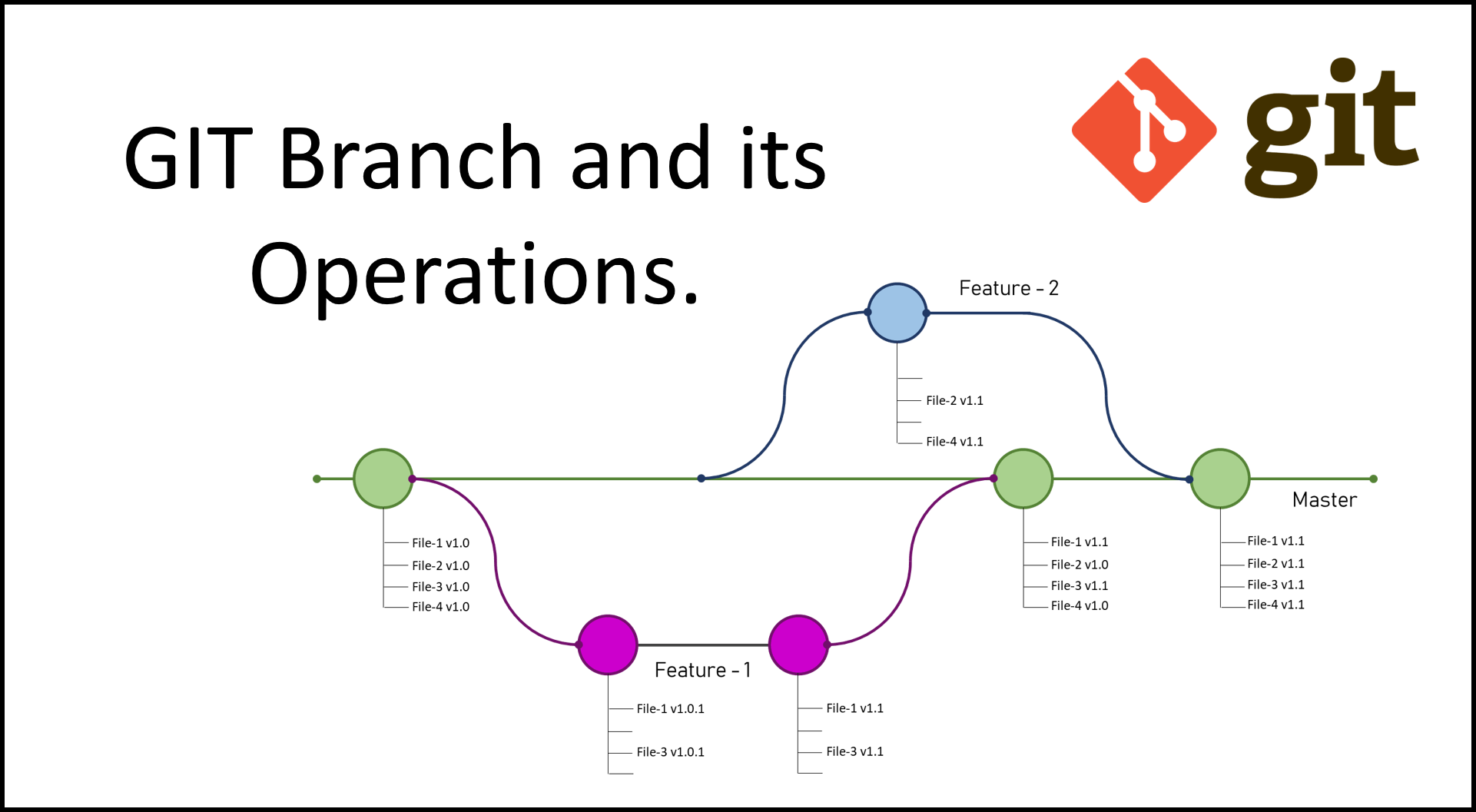
Git Branches
Important note: main/master branch is typically protected by default, and Developers can only merge to it (rather than pushing directly)
Git Branches
- Creating a new branch:
git checkout -b <branch name>
- Edit code and commit code as normal
- git push origin
- Review merge request on GitLab
- Switch local branch back to main and delete other branch
git branch -d <branch name>
Issue Tracker
Left pane \(\rightarrow\) “Issues” \(\rightarrow\) “New item” Kanban board: Left pane \(\rightarrow\) “Plan” \(\rightarrow\) “Issue boards”
Upload to Zenodo
Left pane \(\rightarrow\) “Code” \(\rightarrow\) “Tags” \(\rightarrow\) “New tag”
Name e.g. v1.0
Test upload to https://sandbox.zenodo.org